
Online piano lessons
Real lessons. Real progress. From your own home.
Easy Keys Music online lessons deliver the same warm, playing-based experience as in-studio — no commute, no compromise.
Why students love learning online
Learn from anywhere in the world!
No driving, no parking, no rushing. Your lesson happens in your own space, on your own keyboard, at your scheduled time.
More consistent attendance
Online students miss fewer lessons. When there is no commute to factor in, it is much easier to show up every week — and consistency is the single biggest driver of progress.
Comfortable, relaxed environment
Learning in your own home removes the nerves that can come with a new environment. Students tend to relax faster, which means they learn faster.
The same method, the same teacher
You get the full Simply Music experience — the same curriculum, the same warm teaching style, and the same results — whether you are online or in-studio.
Flexible for busy families
Online lessons fit around school drop-offs, work schedules, and everything else life throws at you. If your circumstances change, your lessons do not have to.
No disruption when life gets busy
Travelling interstate? Working from home? Recovering from a cold? Online lessons mean you can keep your momentum going even when your week does not go to plan.
Common questions about online lessons
If you have been wondering whether online lessons can really work, you are not alone. Here are the questions we hear most often — and the honest answers.
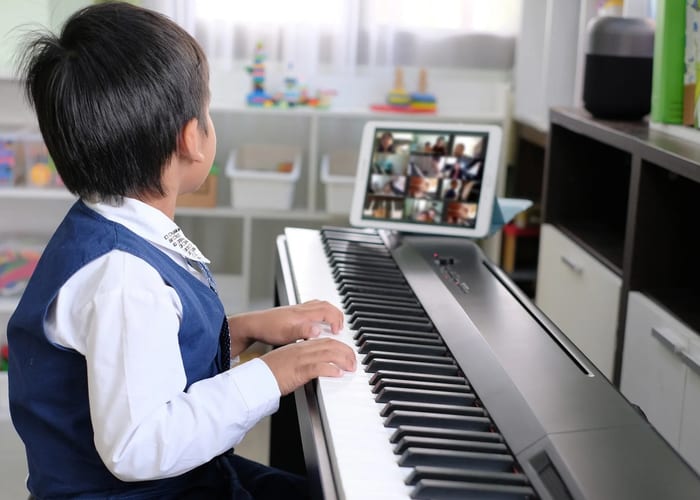
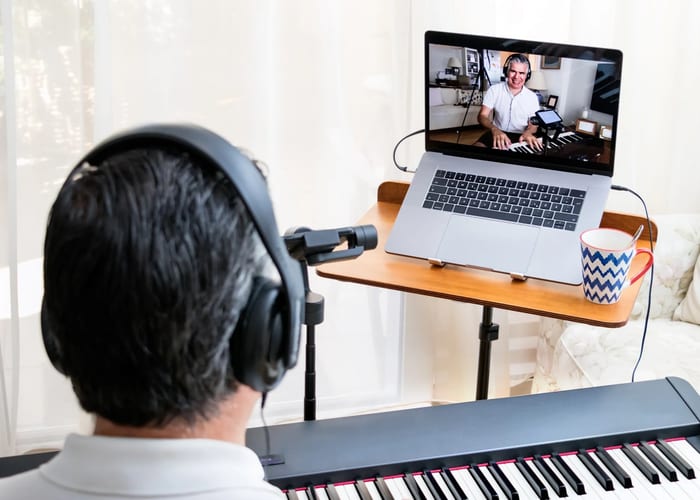
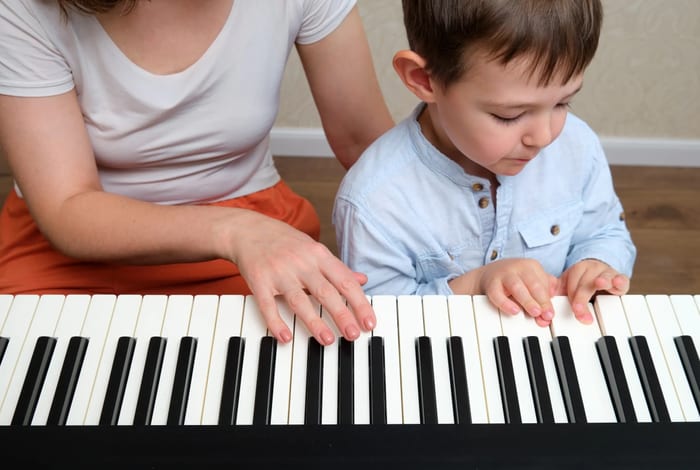
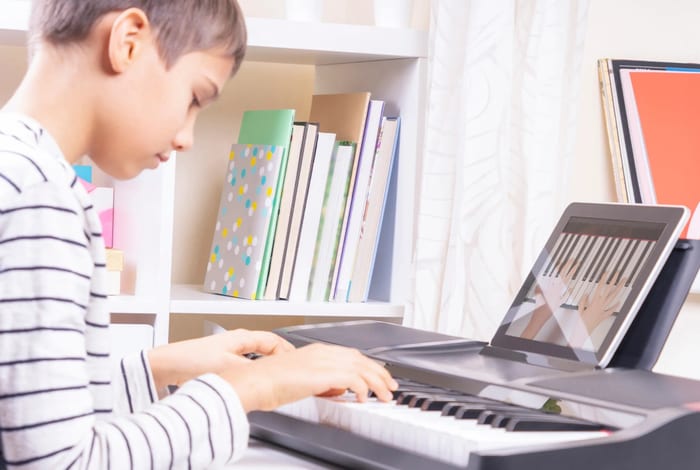
"Can you really learn piano properly online?"
Absolutely. The Simply Music method is built around listening, watching, and playing — all of which translate perfectly to an online format. Students learn real songs from their very first lesson, whether they are sitting in the studio or joining from home. Many of our students have made outstanding progress entirely online.
"Won't the teacher struggle to see my hands?"
With a simple camera setup (details below), your teacher can see your hand position, posture, and technique clearly. We will guide you on exactly how to position your device before your first lesson so nothing is missed.
"What about internet lag or audio delay?"
A stable home internet connection is all you need. Lessons are conducted over Zoom, which handles audio and video reliably for most home connections. We have never had a lesson fall apart due to technology — and if something does go wrong, we sort it out together.
"Is it suitable for young children?"
Yes — children as young as seven learn successfully online with us. A parent or carer sits nearby during lessons to help students in all Simply Music lessons and online is no exception. A parent may be a bit more involved in getting the technology set up but their usual involvement is the same.
"Do I need an expensive keyboard?"
Not at all. A basic 61-key keyboard with touch sensitivity is perfectly fine to start and a sustain pedal. We can advise you on what to look for if you are buying one, and we will never pressure you to upgrade before you are ready.
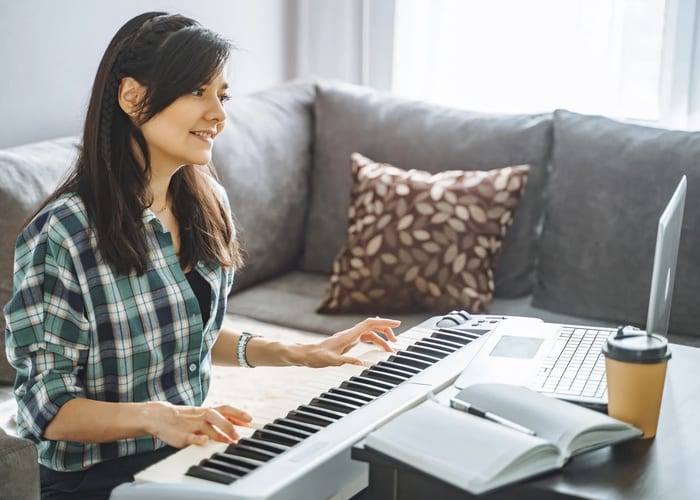
How to set up for your online lesson
Getting the right setup takes about ten minutes and makes a big difference to the quality of your lesson. Here is what we recommend.
Position your keyboard
Place your keyboard on a stable surface at a comfortable height. Make sure there is enough room to sit with good posture — back straight, elbows roughly level with the keys.
Set up your camera
Use a laptop or tablet positioned to the side of your keyboard, angled so your teacher can see both your hands and your face. A small stand or stack of books works perfectly. An ironing board is adjustable to the perfect height. Avoid placing the screen directly in front of you — side-on is best.
Check your lighting
Make sure your hands are well lit. Natural light from a window is ideal. Avoid sitting with a bright window directly behind you, as this will make you appear as a silhouette on screen.
Use headphones or speakers
Headphones reduce echo and help you hear your teacher clearly. If you prefer speakers, that is fine too — just make sure the volume is comfortable and not causing feedback.
Join via Zoom
Your lesson link is sent to you by email before your first lesson. Simply click the link at your scheduled time and you are ready to go. No account or download is required.
Ready to give it a try?
The best way to experience online lessons is to attend a Free Information Session. You will see the Simply Music method in action, meet your teacher, and have all your questions answered — before committing to anything.